Detection guide · 9 min read · Real or AI · Content review ·
How to Tell If an Image Is AI Generated
AI images can look convincing at a glance, but they often break down when you slow down and inspect the evidence. This guide includes labeled real-photo and AI-image examples, then shows how to combine visual signals, source checks, and healthy skepticism.
Start with the image details
Look closely at hands, teeth, jewelry, reflections, background objects, and any visible text. AI models often make small details that look plausible for a second but fail under careful inspection.
Do not rely on one clue alone. A strange finger or warped logo can also happen in real photos because of blur, compression, or unusual perspective.
Check lighting and geometry
Real photos usually have consistent shadows, lens behavior, and perspective. AI images may mix multiple lighting directions or produce objects that do not line up with the scene.
Pay attention to repeated textures such as hair, fabric, leaves, crowds, and architecture. These areas often reveal synthetic patterns.
Verify the source
Search where the image first appeared, who posted it, and whether credible sources also use it. Reverse image search can help find earlier versions or related posts.
If the image makes a surprising claim, the context matters as much as the pixels. Treat viral screenshots and cropped images with extra care.
Use tools as supporting evidence
AI detectors can be helpful, but they are not final proof. Compression, editing, screenshots, and model updates can all reduce accuracy.
Use detector results alongside visible evidence, metadata, source history, and your own judgment.
Labeled visual walkthrough
Real and AI-generated image examples
These examples reveal the answer so you can practice evidence-based inspection. Start with the pixels, but finish with provenance: a source trail is usually stronger than guessing from appearance alone.
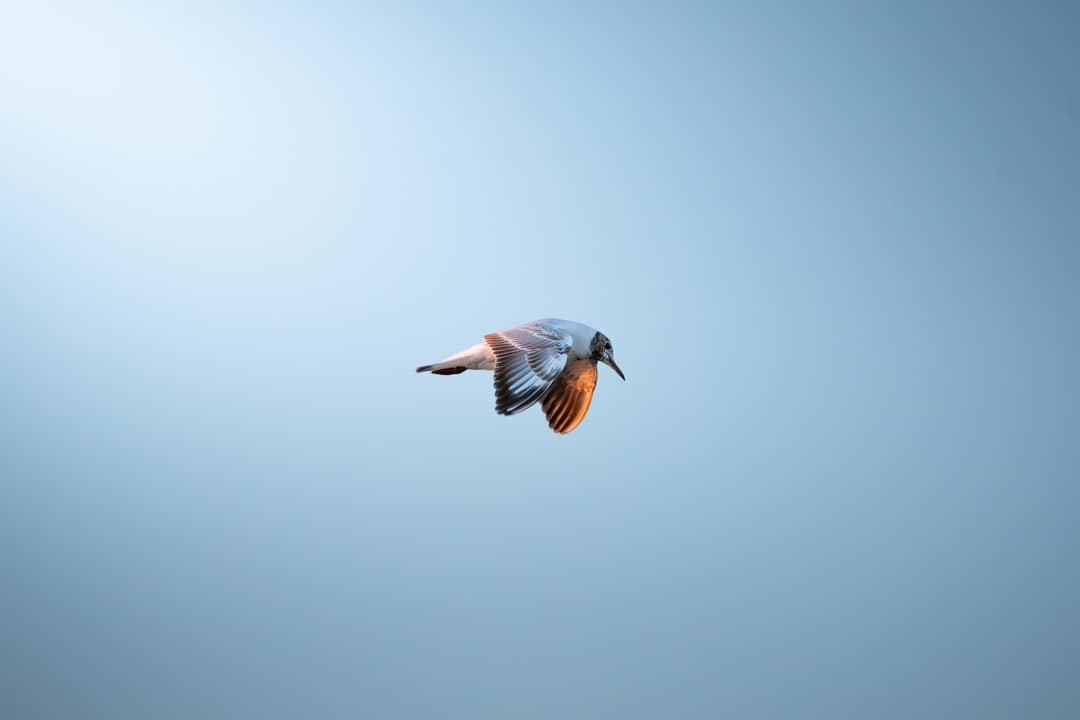 Real photo
Real example: kingfisher in flight
The bird's wing structure, feather boundaries, motion, and lighting remain coherent. More importantly, the image has a traceable photographer and original source page—visual plausibility alone is not the proof.
Photo by Kristians Greckis on Unsplash ↗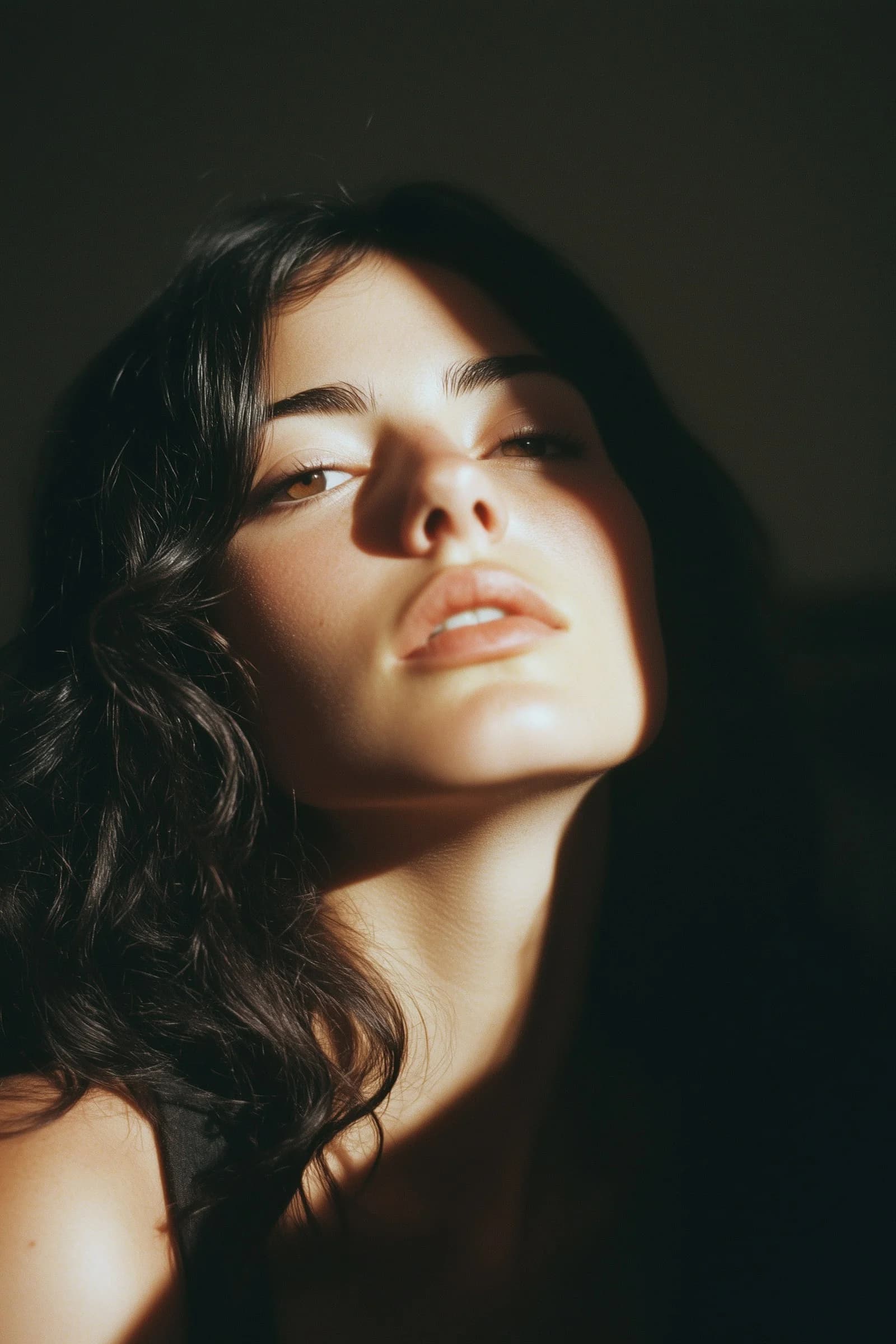 AI-generated
AI example: close-up portrait
The portrait is immediately believable, which is why anatomy checks alone are insufficient. Inspect hair-to-background boundaries, overly uniform skin texture, fine accessories, and then verify provenance. This image is labeled by its generating source.
AI image from ImagineArt ↗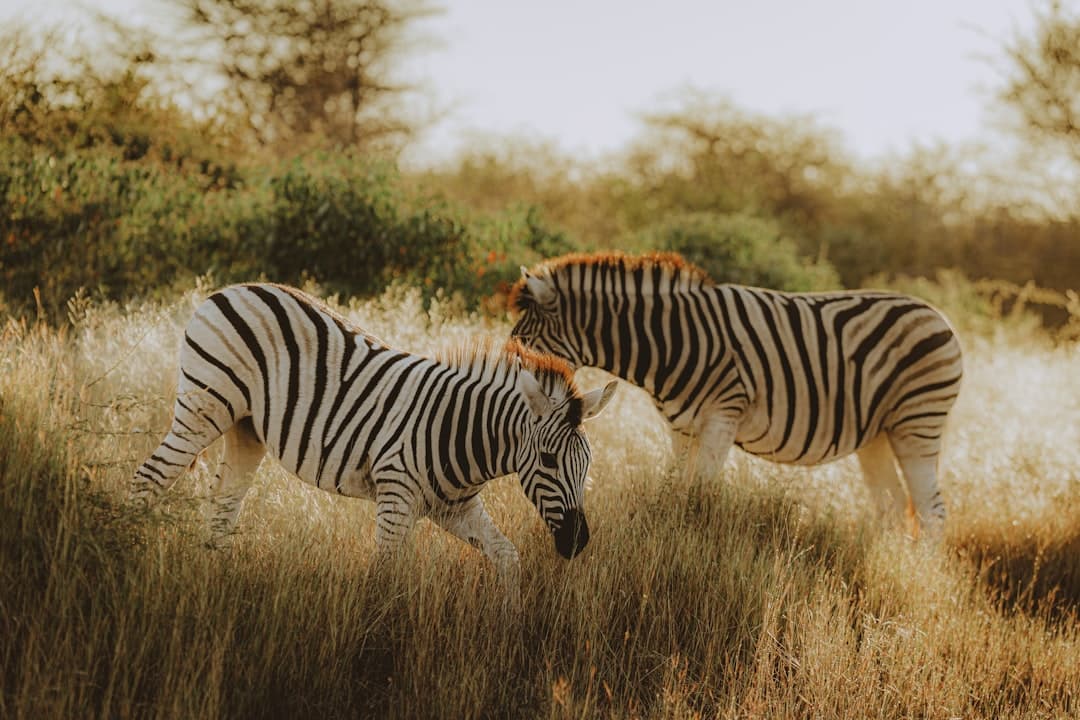 Real photo
Real example: zebras in grass
Follow the stripes around each animal's body and legs, then compare contact shadows with the warm sunlight. The detail remains structurally consistent, and the photographer's original publication provides independent source evidence.
Photo by Mathias Dargnat on Unsplash ↗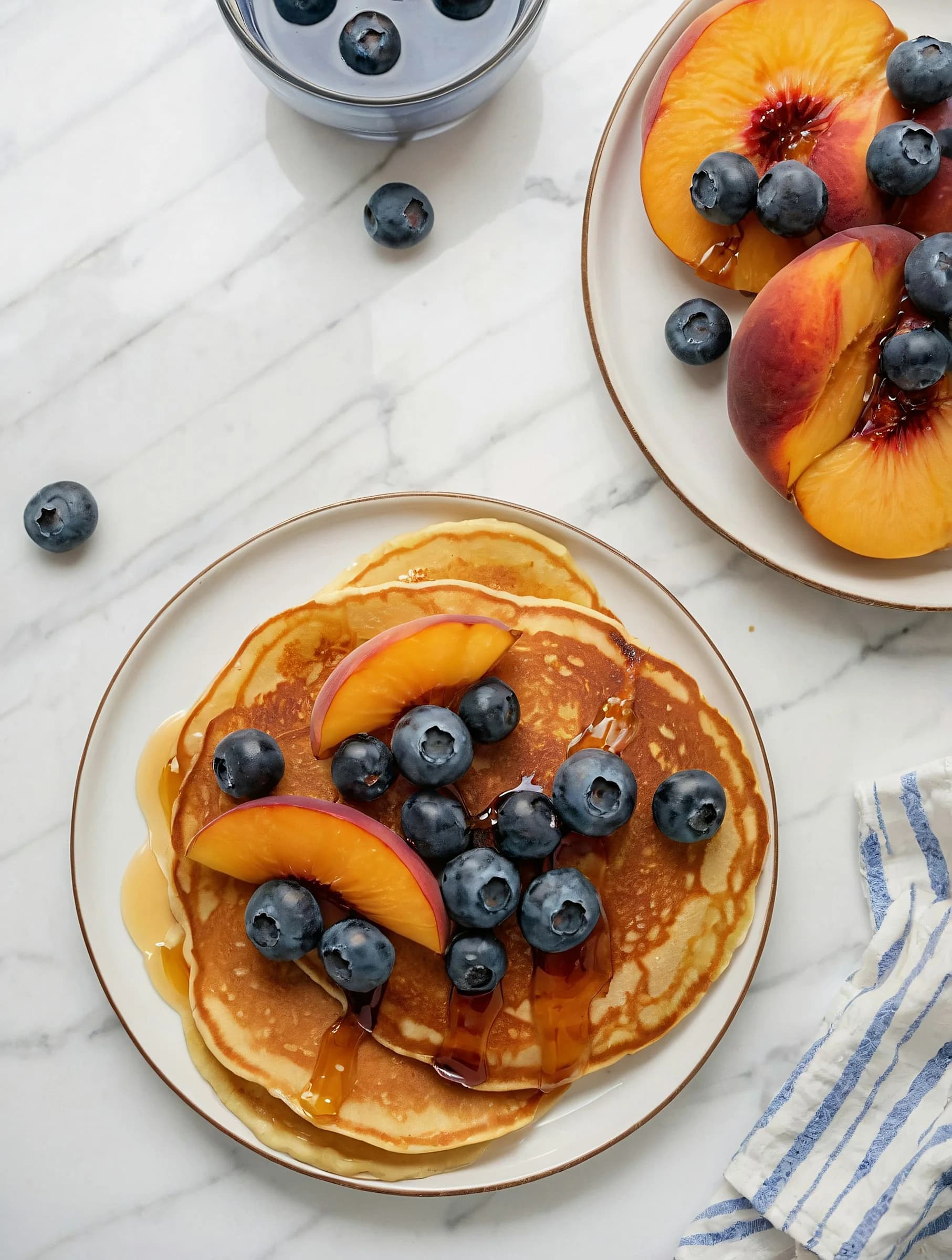 AI-generated
AI example: styled food image
Repeated blueberries, glossy syrup, fruit edges, plate geometry, and small contact points deserve close inspection. Food generators can produce excellent textures, so the explicit ImagineArt provenance is stronger evidence than any single visual oddity.
AI image from ImagineArt ↗A repeatable inspection order
- 1. Scan anatomy, text, edges, and repeated detail.
- 2. Compare lighting, reflections, perspective, and contact points.
- 3. Find the earliest source and look for creator or camera context.
- 4. Use detector results only as supporting evidence.
FAQ
Can you always tell if an image is AI-generated?
No. Some AI images are difficult to identify, especially after editing or compression. The safest method is to combine visual clues, source checks, and detection tools.
What is the most common sign of an AI image?
Common signs include distorted hands, unreadable text, inconsistent reflections, strange background details, and repeated textures that look too smooth or too patterned.
Are AI image detectors always accurate?
No. Detectors can produce false positives and false negatives, so their output should be treated as one signal rather than a final answer.
Evidence first
Learn
Real Photo vs AI Image: Key Differences
Compare real photos and AI-generated images through texture, lighting, anatomy, background logic, and source evidence.
Common AI Image Artifacts to Look For
A practical checklist of common AI image artifacts, including hands, text, reflections, patterns, shadows, and background details.
Can AI Image Detectors Be Wrong?
Understand why AI image detectors can make mistakes and how to use them responsibly with visual and source-based evidence.
Practice with examples
Think you can spot the difference?
Try the Real or AI quiz and test your judgment against real photos and synthetic images.
Try the Real or AI image quiz